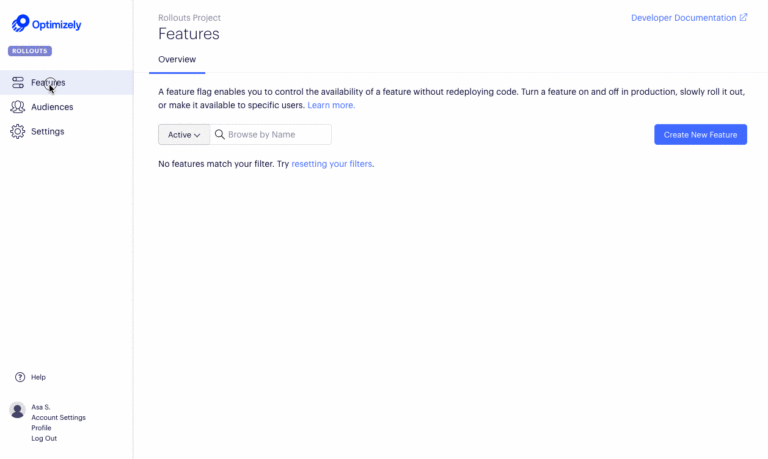
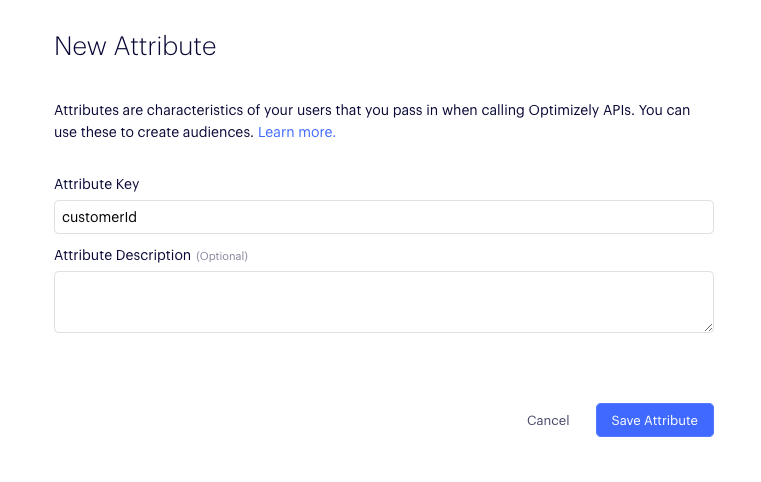
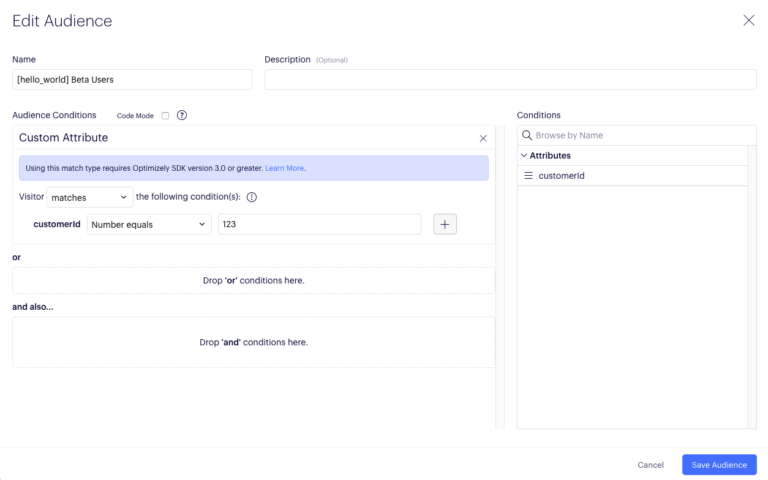
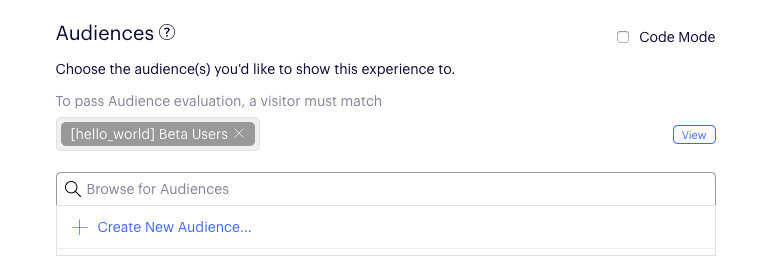
Now that we’ve connected the button in the interface to our function in the ViewController.swift, the function will be called whenever the button is clicked. But you may have noticed that in the function there is a variable called ‘enabled’ being used in a ternary expression to toggle the message of the alert as well as the text of the button to dismiss the alert. Follow the steps below to connect to the OptimizelyClient to dynamically set the value of ‘enabled’ based on the userId and the Optimizely feature flag configuration.
The parameters to isFeatureEnabled(featureKey, userId, attributes) are the following:
The return value, isEnabled, is a boolean indicating whether the feature was enabled or not enabled for those inputs.
The full code for our ViewController.swift should now look like the following:
import UIKit
class ViewController: UIViewController {
let delegate = UIApplication.shared.delegate as! AppDelegate
@IBAction func showMessage(sender: UIButton) {
var enabled = false
 let userId = "user123"
 let attributes: [String: Any] = [
	"customerId": 123,   // Attributes used for targeted audience-based rollout
	"isVip": true,
  ]
  enabled = delegate.optimizely.isFeatureEnabled(featureKey: "hello_world", userId: userId, attributes: attributes)
  print("Feature is enabled? - \(enabled) for userId: \(userId)")
let alertController = UIAlertController(title: "Alert", message: enabled ? "Hello World!" : "Nothing to see here...", preferredStyle: UIAlertController.Style.alert)
if enabled {
alertController.addAction(UIAlertAction(title: "Hello!", style: UIAlertAction.Style.default, handler: nil))
} else {
alertController.addAction(UIAlertAction(title: "Ok", style: UIAlertAction.Style.default, handler: nil))
}
present(alertController, animated: true, completion: nil)
}
}